> ## Documentation Index
> Fetch the complete documentation index at: https://greed.best/docs/llms.txt
> Use this file to discover all available pages before exploring further.
# Getting Started
> Everything you need to know to get started with greed.
## Introduction
greed is a multipurpose Discord bot designed to keep your server safe and easy to manage. This guide will help you set up the core features and get the bot running in your community.
The default prefix for greed is `,`. Use `,prefix set (symbol)` to change it for your server. You can also mention the bot to see your current prefix.
## Explore greed
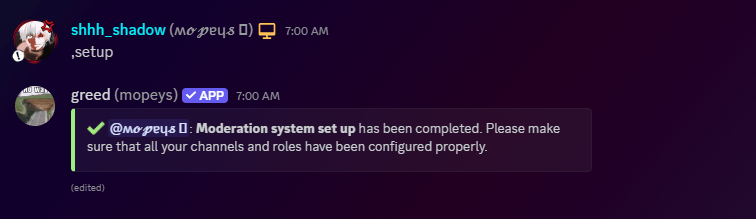 Set up jail, specialized mute roles, and powerful moderation logging to maintain control over your community.
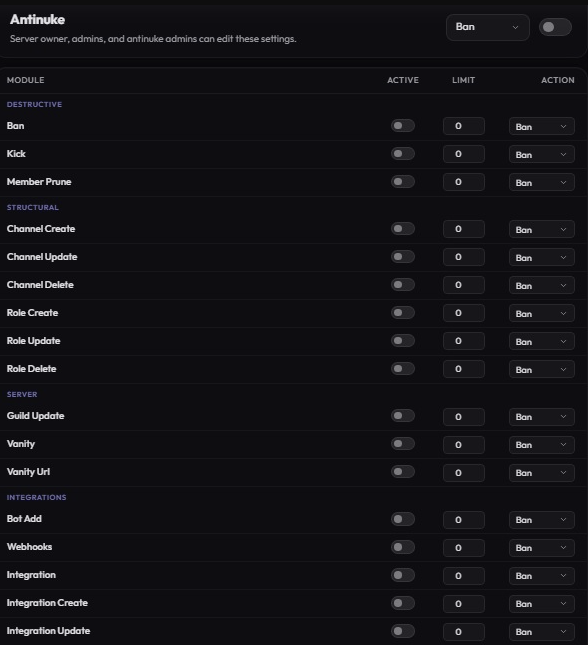 Configure antinuke and protection modules to keep your server safe from unauthorized changes and malicious staff.
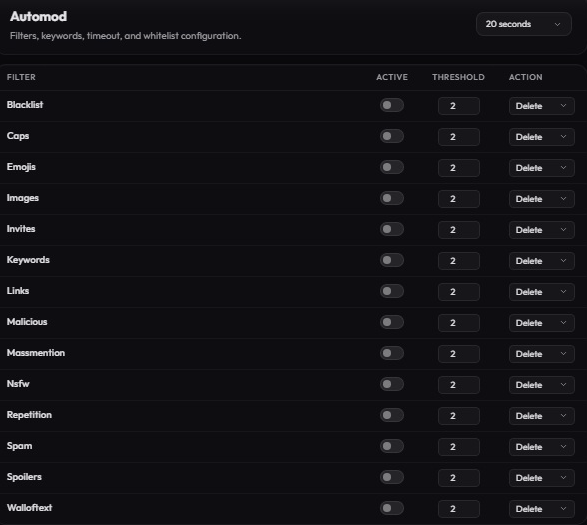 Detect and prevent raids automatically with our mass-join detection and default avatar protection.
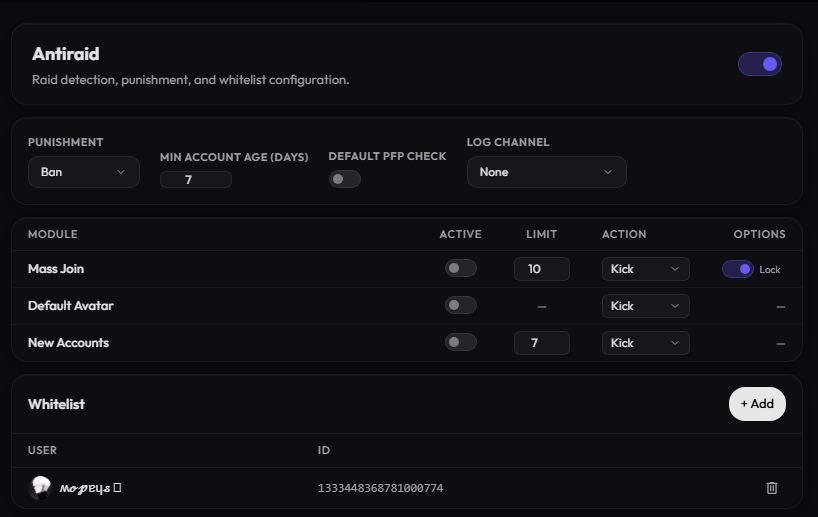 An anti-raid system automatically detects unusual join patterns or suspicious behaviour and responds by limiting damage. It may temporarily lock the server, slow down message sending, require verification for new users, block multiple rapid joins, or automatically remove or ban accounts identified as part of the raid.
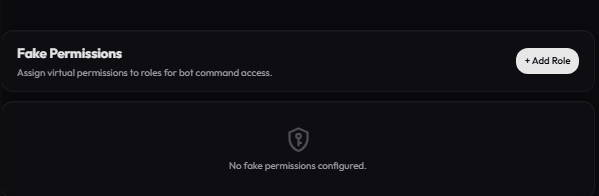 Grant staff members access to specific greed commands without giving them actual Discord permissions.
## Quick Start Guide
Add the bot with administrative permissions to ensure all security and moderation tools function correctly.
Use `,setup` to automatically create necessary roles (imute, rmute, jailed) and the greed-mod channel category.
Start by enabling antinuke or setting up your custom invoke messages to personalize your server's interactions.
Need help? Join our [Support Server](https://discord.com/invite/greed) to get assistance from our team and community!
Grant staff members access to specific greed commands without giving them actual Discord permissions.
## Quick Start Guide
Add the bot with administrative permissions to ensure all security and moderation tools function correctly.
Use `,setup` to automatically create necessary roles (imute, rmute, jailed) and the greed-mod channel category.
Start by enabling antinuke or setting up your custom invoke messages to personalize your server's interactions.
Need help? Join our [Support Server](https://discord.com/invite/greed) to get assistance from our team and community!