All changes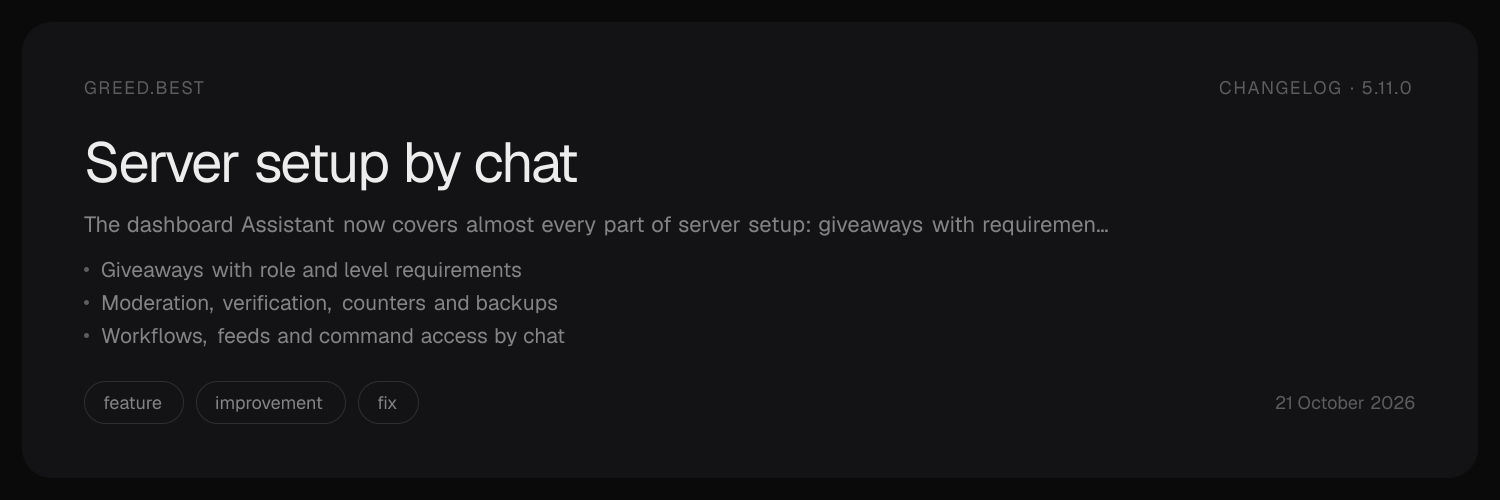
5.11.0featureimprovementfix
Server setup by chat
greed·
Set your server up by talking to it
Open your server dashboard, go to Assistant, and say what you want. greed reads your server, builds a plan, and shows you every change with its current and new value. Nothing changes until you press Approve, and every step is checked against your own permissions right before it runs, so the Assistant can never do more than you could do yourself.
Giveaways
- Start a giveaway in any channel with a prize, a duration from 10 seconds to 30 days and 1 to 50 winners.
- Add requirements: a role members need, and a minimum or maximum level.
- Edit a running giveaway, end it early or reroll the winners.
- Change server-wide giveaway settings: host and winner DMs, roles that can never enter, and roles that get more entries (up to 100).
You need Manage Server.
Moderation and safety
| What | Who can ask |
|---|---|
| Mod log channel, jail and mute roles, warn punishments, staff roles | Manage Server (Manage Roles for jail and mute roles) |
| Moderation approvals | Server owner or antinuke admin, Server Premium |
| Automod filters, thresholds, punishments, keywords, blacklist, regex | Manage Server and Manage Channels |
| Antinuke and antiraid modules, thresholds, whitelists | Server owner or antinuke admin |
| Antinuke admins | Server owner only |
The Assistant will change protection when you ask, including turning it down or off, but greed decides whether you are allowed. It will never help test or get around a protection.
Everything else it can now do
- Workflows: describe a rule like "when someone joins with no avatar, give them Unverified and log it in #mod-log" and it builds the workflow, checked by the same rules as the Workflows page.
- Feeds: follow a creator on TikTok, Twitch, YouTube, Instagram, X, Pinterest, SoundCloud or Kick, move a feed or change its message. Instagram and X need Server Premium.
- Command access: disable or enable commands per server, channel or role, restrict a command to certain roles, and add or remove aliases.
- Server tools: counters (2 free, 15 with Server Premium), timers, scheduled posts (Server Premium, up to 25), verification settings, and backups before a big change (Administrator and Server Premium).
- Messages: use one of your saved embeds by name, or paste Discord message JSON, anywhere the Assistant writes a message.
- More settings: logging ignores and colours, extra welcome and goodbye channels, booster award roles, and starboard display options.
Undo and checklists
- Say "undo that" and the Assistant builds a plan that reverses its last approved plan. You approve it like any other plan. Channels and roles it created are never deleted for you; it tells you which ones to remove yourself.
- For a big job like setting up a whole server, the Assistant keeps a checklist above the message box and works through it one plan at a time, even across several messages.
Fixes
- Booster award roles can no longer be set to roles with admin, ban, kick or manage permissions.
- Enabling a command in the last channel it was disabled in no longer leaves it disabled everywhere.
- Moving a Pinterest feed to another channel keeps its board.
- The Assistant moves on when you send a new message instead of answering an open question or plan.
v5.11.0 build.983.5588b793